Workbooks
Assess, Note & Track
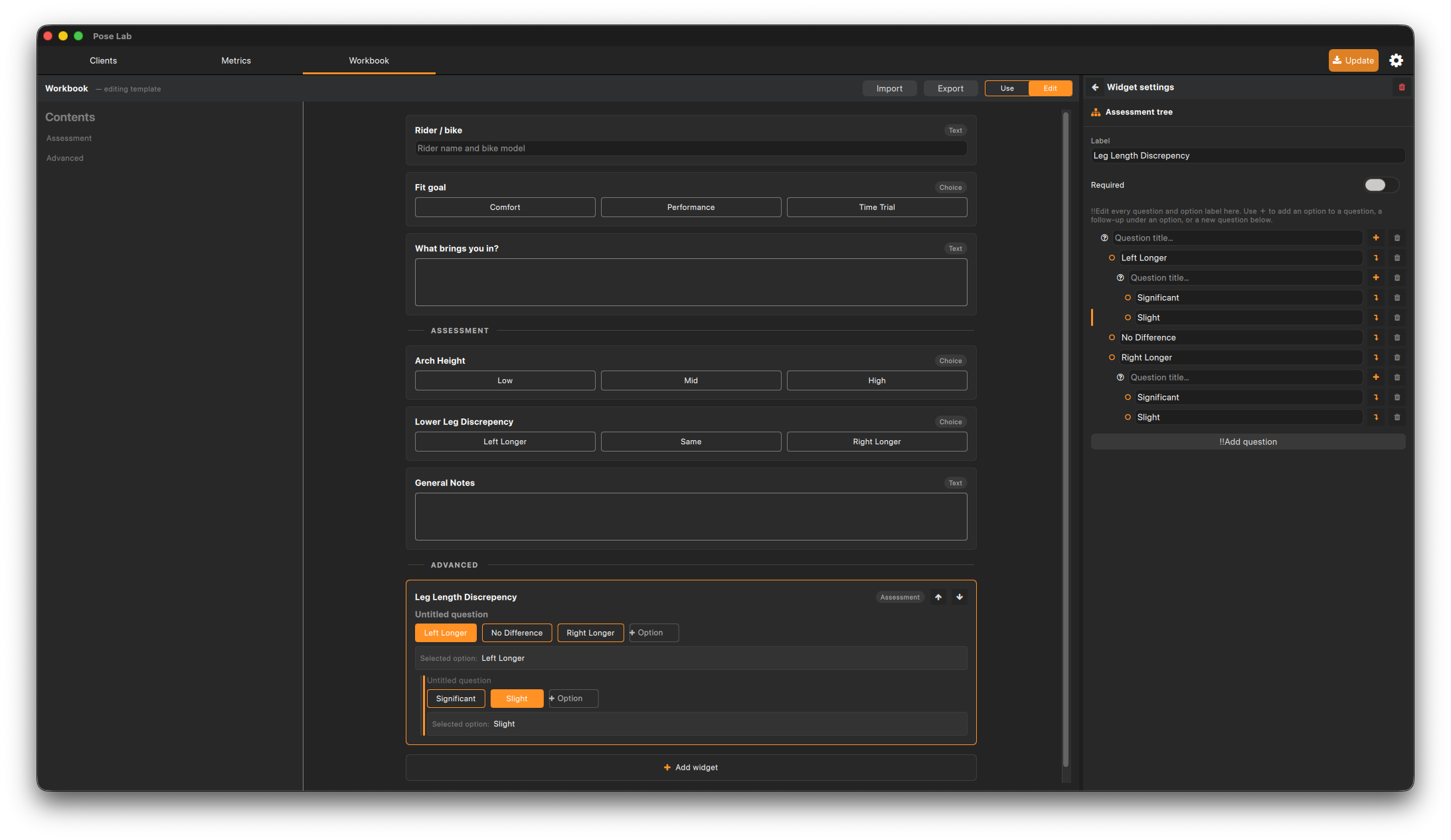
A workbook is a configurable data-entry form you fill in per session — checklists, assessment trees, notes, and reference images. You design one global template in Edit mode; each session stores its own filled-in copy, so past workbooks always render exactly as they were completed.
Overview
A workbook is a configurable data-entry form you fill in per session — checklists, assessment trees, notes, and reference images. You design one global template in Edit mode; each session stores its own filled-in copy, so past workbooks always render exactly as they were completed.
-
Table of Contents
-
Mode control
-
Form
-
Configuration drawer
1. Table of Contents
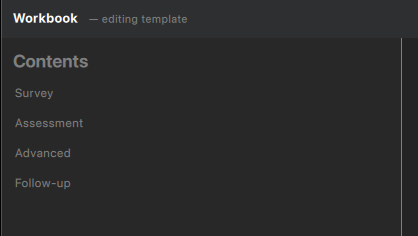
Every divider added will show up here and is a way to navigate through long assessments.
2. Mode Switcher

This control is the primary means to toggle the workbook from editing to the session preview. Think of this workbook screen as a playground to modify the assessment that will be used within each session. This tab will always be available so you can over time adjust the assessment as your practice evolves.
3. Assessment
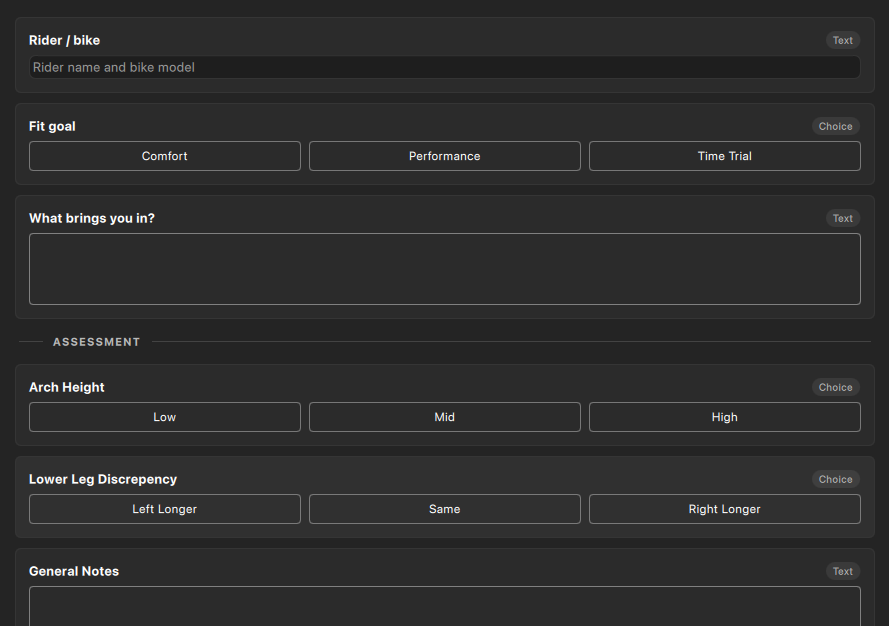
The main area where widgets can be added for the assessment.
4. Drawer
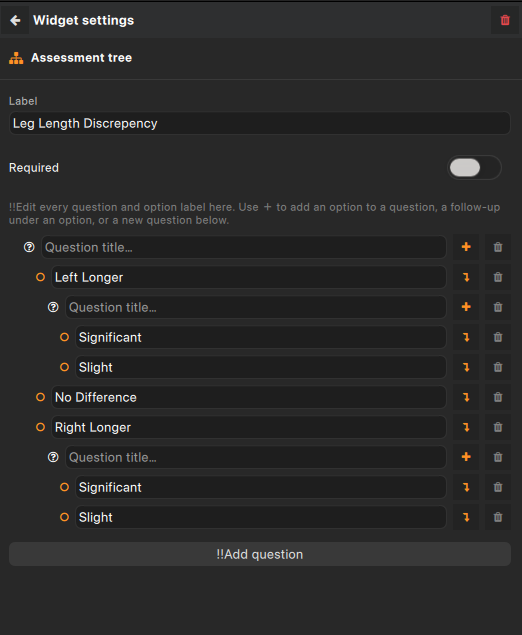
Dive into the details of any widget or interact with more complex types such as the multi-option control. Here is where you can re-order widgets, get a high level overview, or edit in bulk.
5. Widget Types
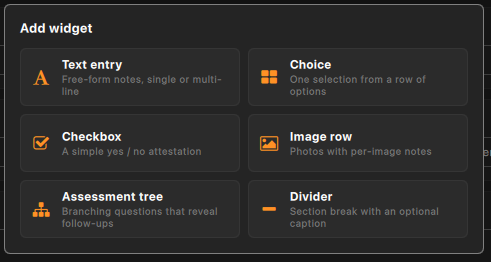
- Divider
- Text Entry
- Choice
- Checkbox
- Image Row
- Assessment Tree



A widget to add ad-hoc images to an assessment. The layout can be specified to be full-width, 2 column, fit-to-width

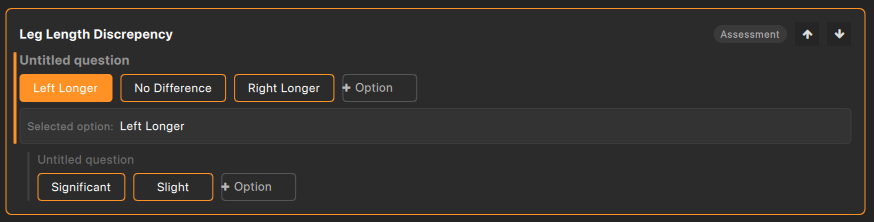
A more complex version of the option group where each option can have an related set of options. In the case an option does have a related group they will be displayed upon selection