App Guide
Overview
A look at each section of the app and how it fits together into a modular workflow. In-App onboarding will provide a more interactive walkthrough of features as they are released.
 1
2
3
4
1
2
3
4
Management
Clients & Sessions
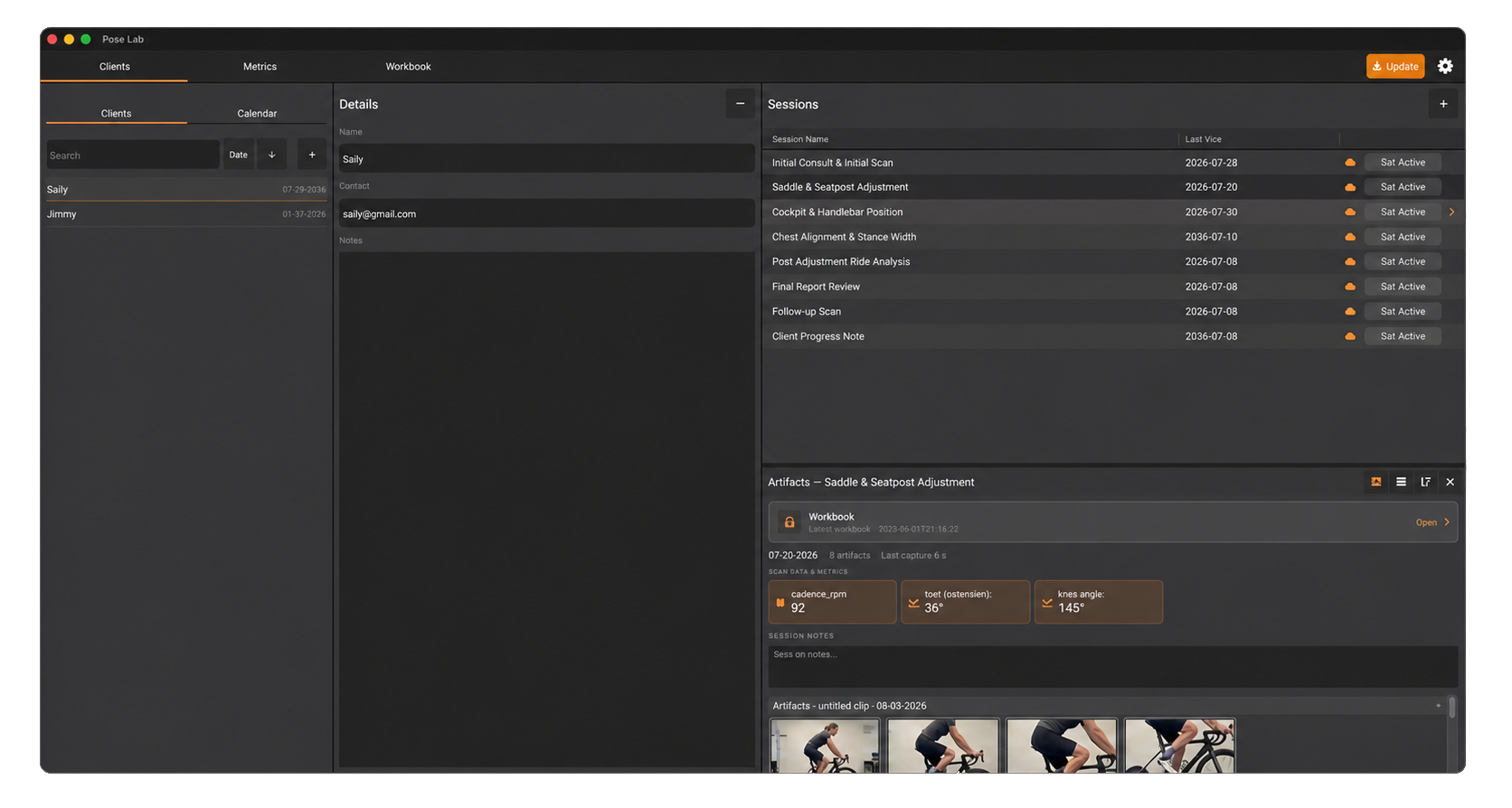
A single screen to manage all your clients, sessions, and media (artifacts). Each session collects artifacts — recorded video clips, saved keyframes, device data logs, metric reports, notes, and workbooks. The session's results browser groups clips with their keyframes and lets you favourite, sort, and reopen anything you captured.
-
Clients
-
Client Details
-
Sessions
-
Results
Configuration
Metrics
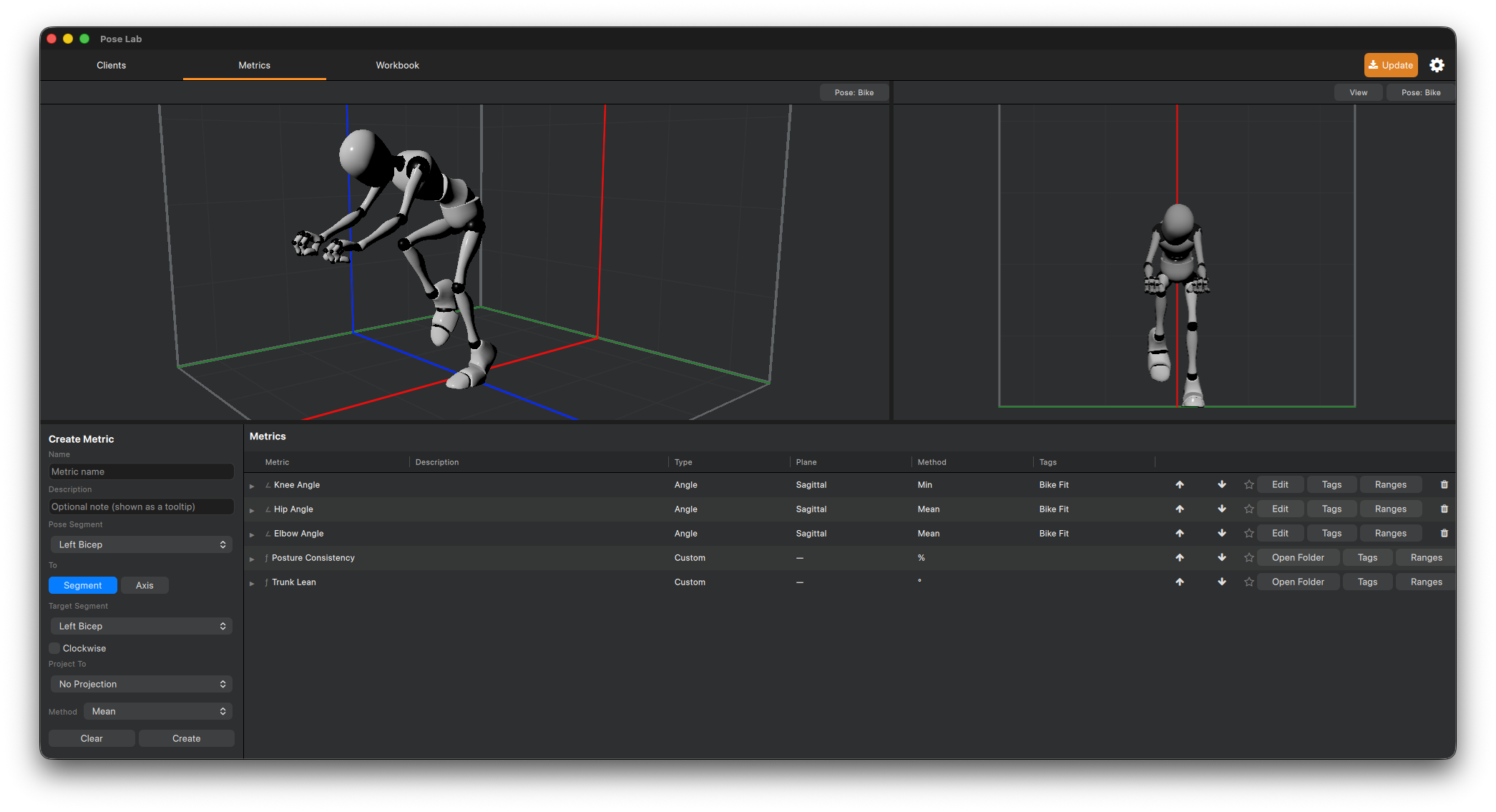
A metric is a value computed from the pose on every frame — an angle between two body segments, or anything you can express in a short Python script. Metrics have colour ranges (green in target, red out of it), tags for filtering, and a windowed averaging method (raw, or a rolling mean / min / max, default 5 seconds). The selected metric draws as a live 3D gizmo on the skeleton and within the metric composer you can preview your setup before putting it into practice.
-
Creation Panel
-
Viewport(s)
-
Metric configuration
Assess, Note & Track
Workbooks
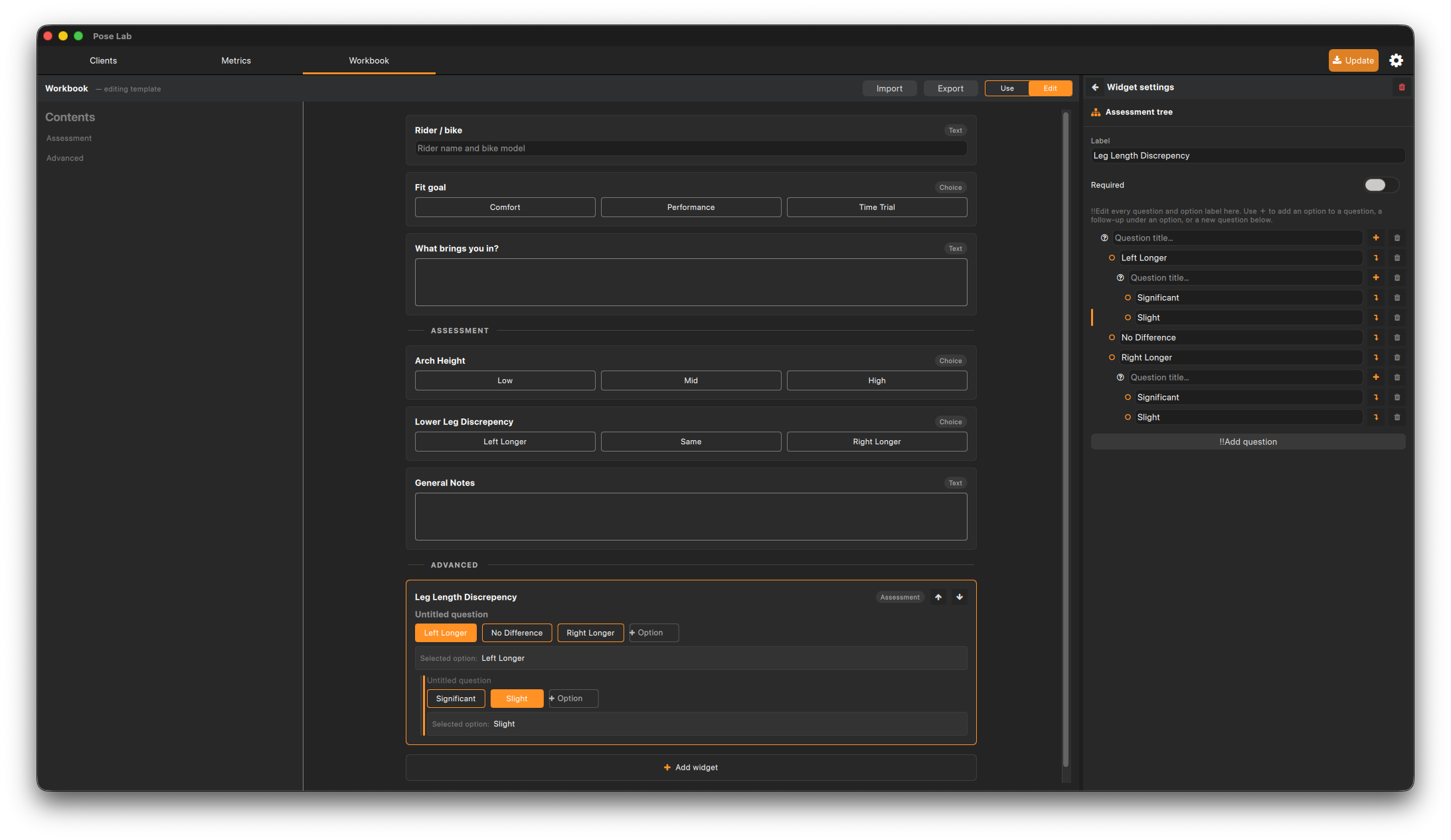
A workbook is a configurable data-entry form you fill in per session — checklists, assessment trees, notes, and reference images. You design one global template in Edit mode; each session stores its own filled-in copy, so past workbooks always render exactly as they were completed.
-
Table of Contents
-
Mode control
-
Form
-
Configuration drawer
Capturing
Live Session
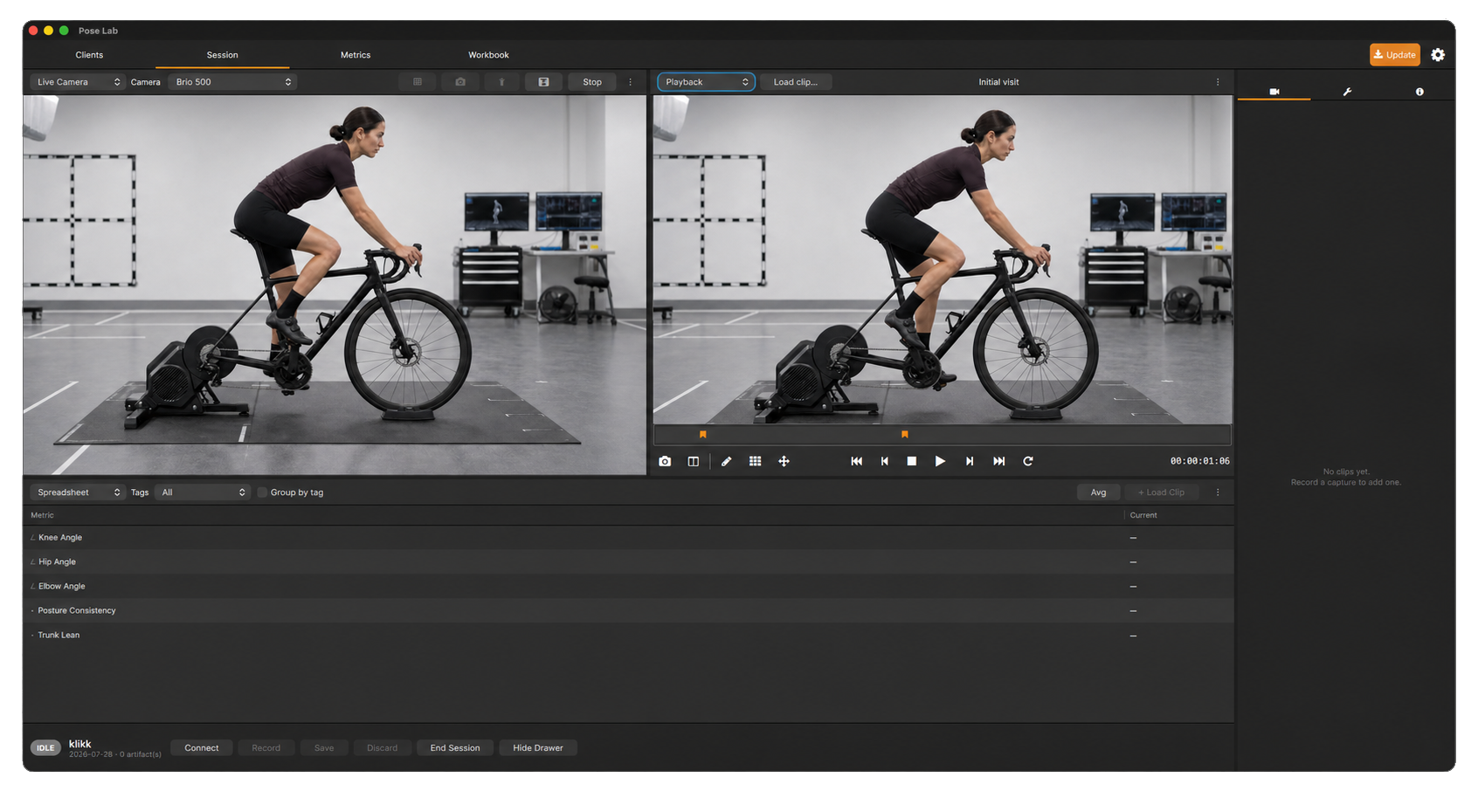
The core of the day. The session screen brings together a series of configurable panels arranged how you wish to capture, review, and monitor the day's session.
-
Configurable Panels
-
Clip & Tool Drawer
-
Capture bar
Development
Technical Documentation
When built-in tools are not enough we provide a python plugin interface for more complex metrics and integration of BLE devices to the system.